Native VR port · Meta Quest 2 & 3
Bullfrog's flying-carpet trilogy — Magic Carpet, Magic Carpet: Hidden Worlds, and Magic Carpet 2 — running natively in stereo on a Meta Quest. No PC stream, no flat screen in a headset: real roomscale flight, spells in your hands, and the original worlds all around you.
Port by NathanaelA · @Congocart
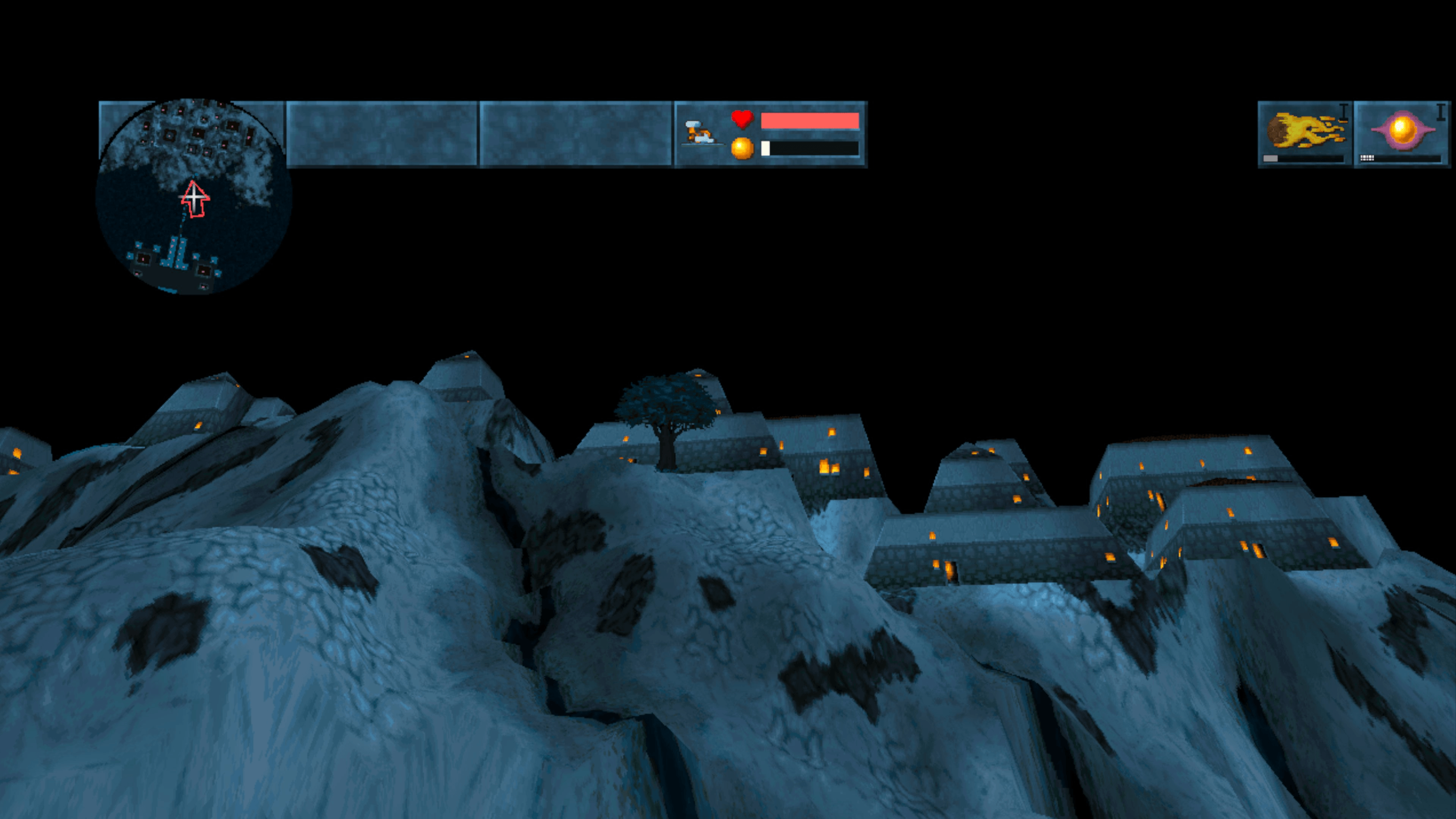
Captured straight from the headset. Real stereo, real framerate.
The games
The same engine core powers all three. Pick a campaign, and step onto the carpet.
The original levels, spells, and creatures play as they always did.
Both Magic Carpet 1 & Magic Carpet 2 won best game of the year from several magazines. Fully 6DOF, fully stereo.
The 1994 original. Fly almost 50 worlds, collect mana, build your castle, and duel rival wizards. Every spell, every creature, every deformation of the terrain is preserved.
The 1995 expansion with all new and harder levels, and new spells. Recommended as a continuation of the first game's campaign.
The 1995 sequel and Game of the Year. A new story, reworked graphics, harder levels, and more powerful magic. The same VR controls carry straight across.
What it is
This isn't a 3D viewer or a forced perspective hack. This is an all new engine that drives each eye and plays all 3 games.
Two separate eye frustums, proper IPD, and depth you can use to judge distances above and below the ground.
Fireball, lightning, castle-building, and several dozen other spells are bound to EACH controller. Allowing you to cast TWO spells at the same time.
The game maintains a fast pace, keeping you engaged and challenged throughout each level.
Faster game play with over double the view distance.
Other games claim to have terrain modifications, you ain't seen nothing yet! Cast earthquake and watch the world deform for miles. Many spells will modify terrain.
Bah, Magic Carpet LOOSELY fits into the FPS category, but it is a truly UNIQUE experience that needs its very own category!
Screenshots
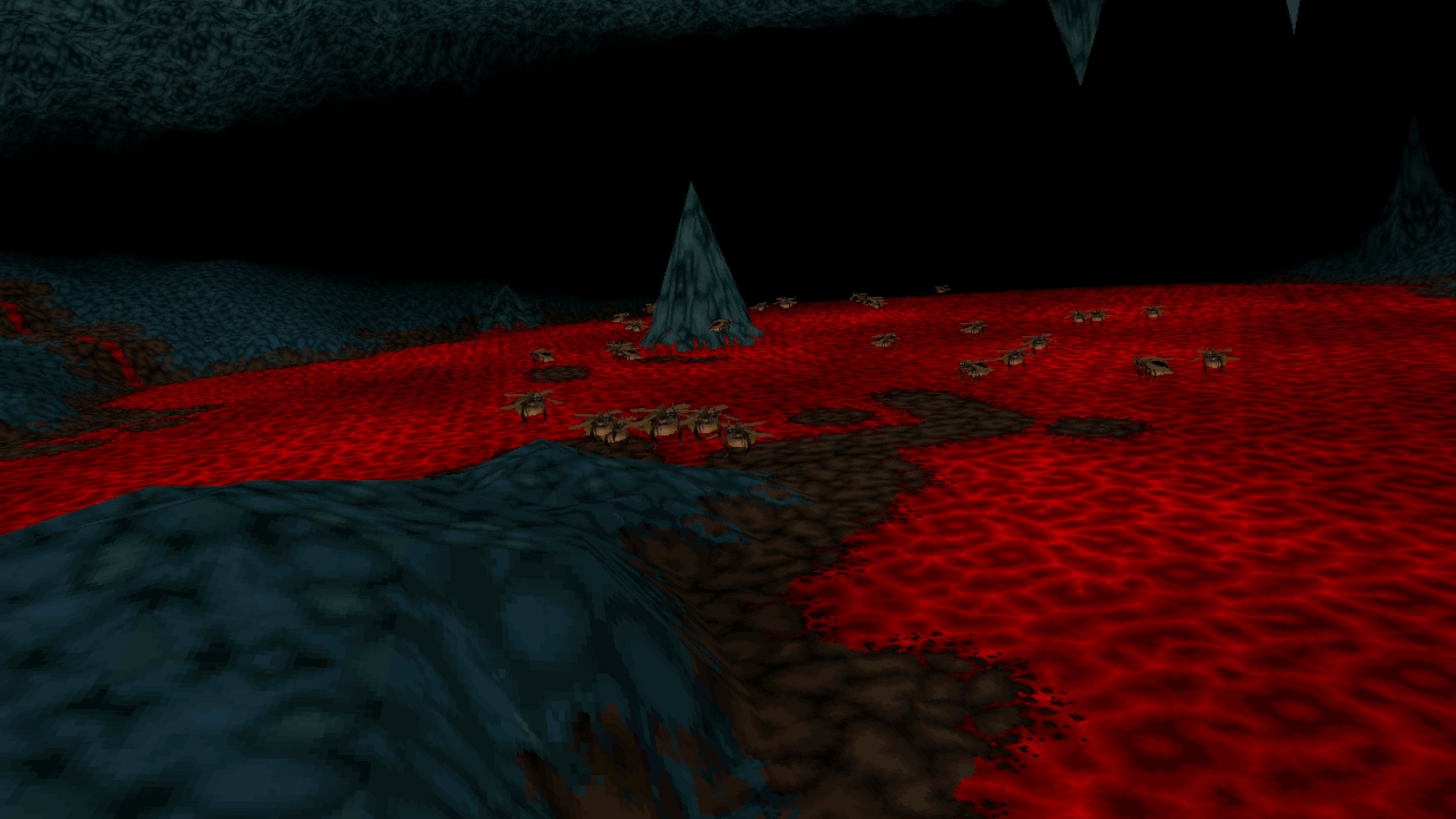
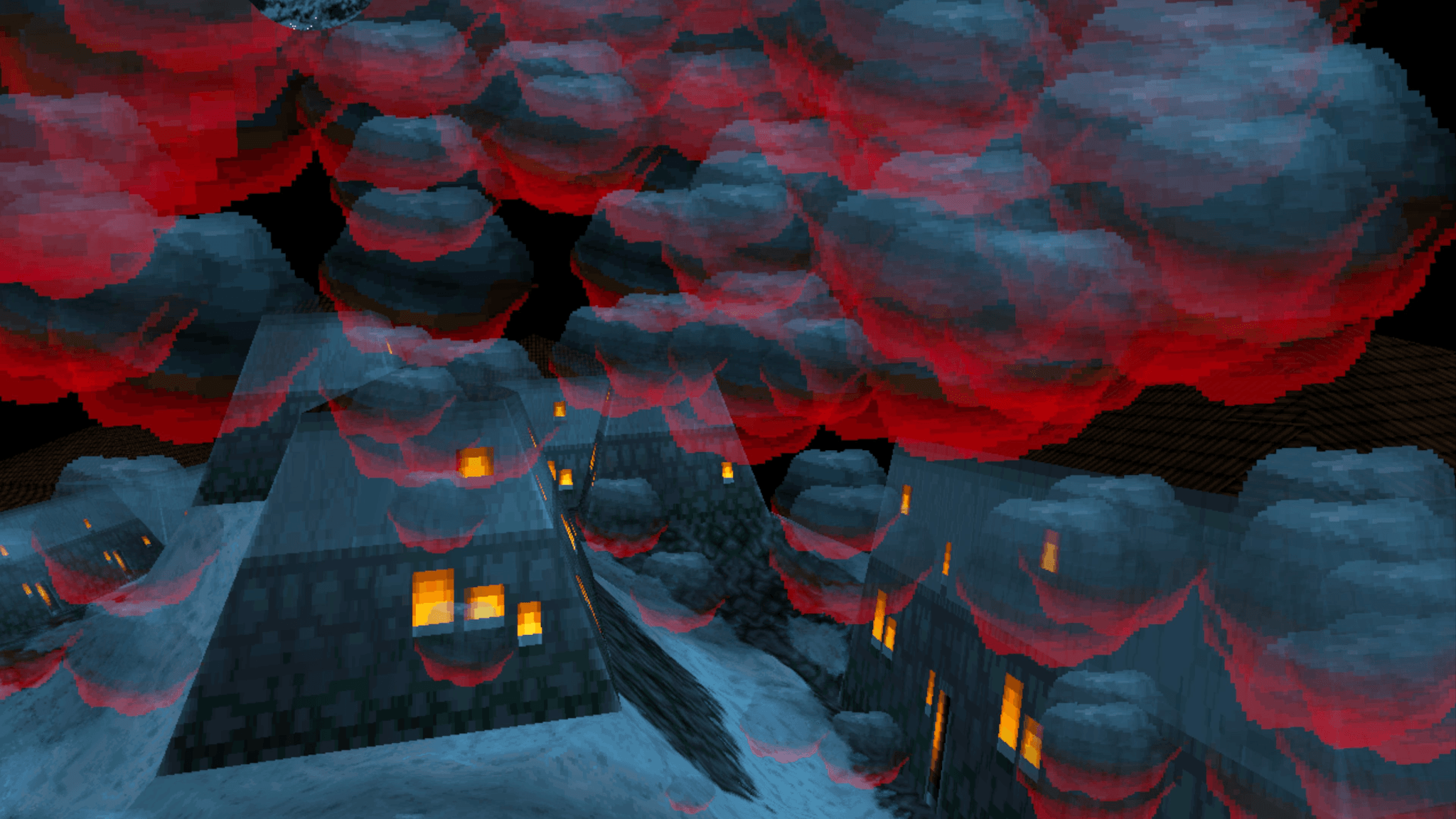
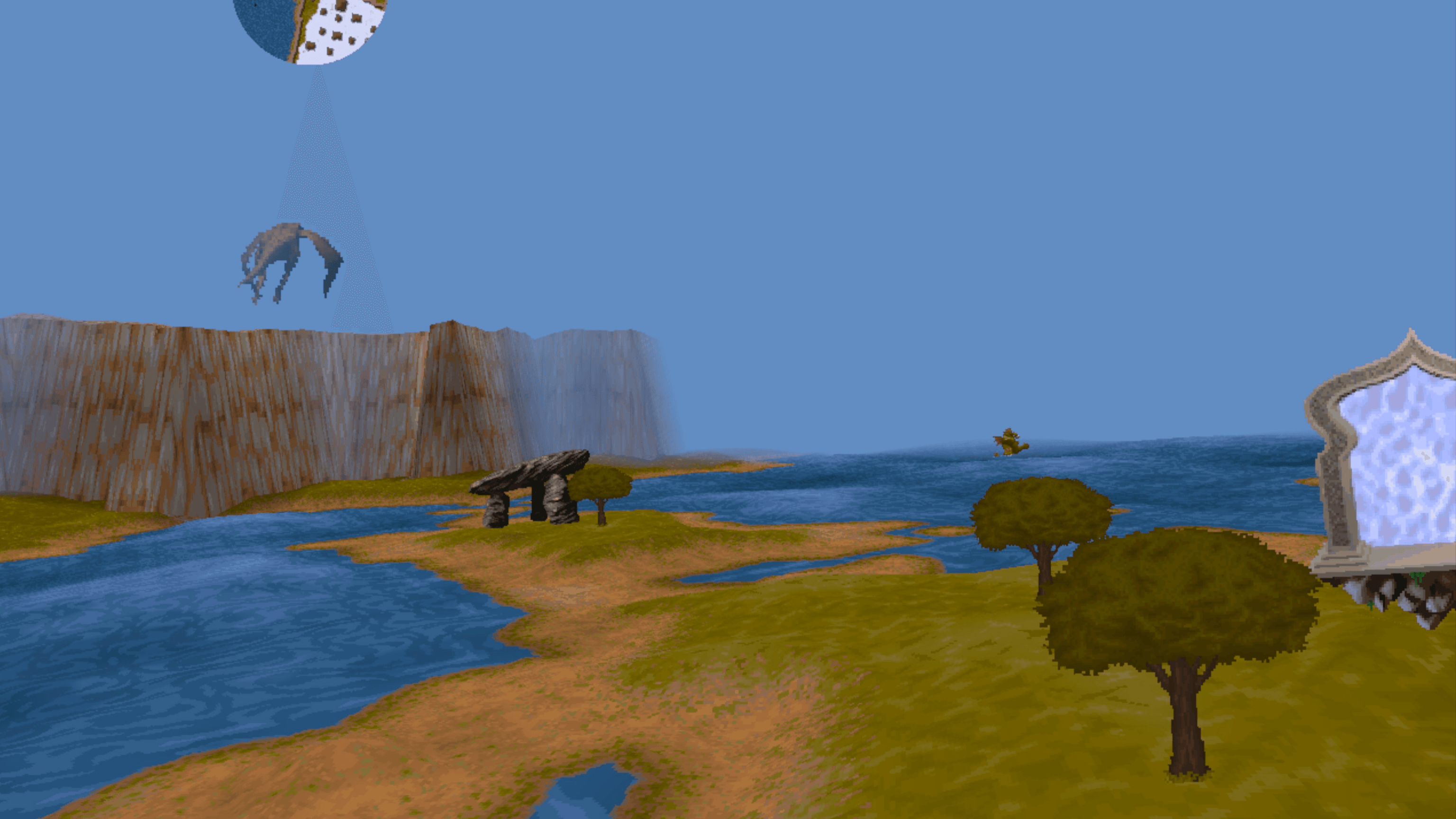
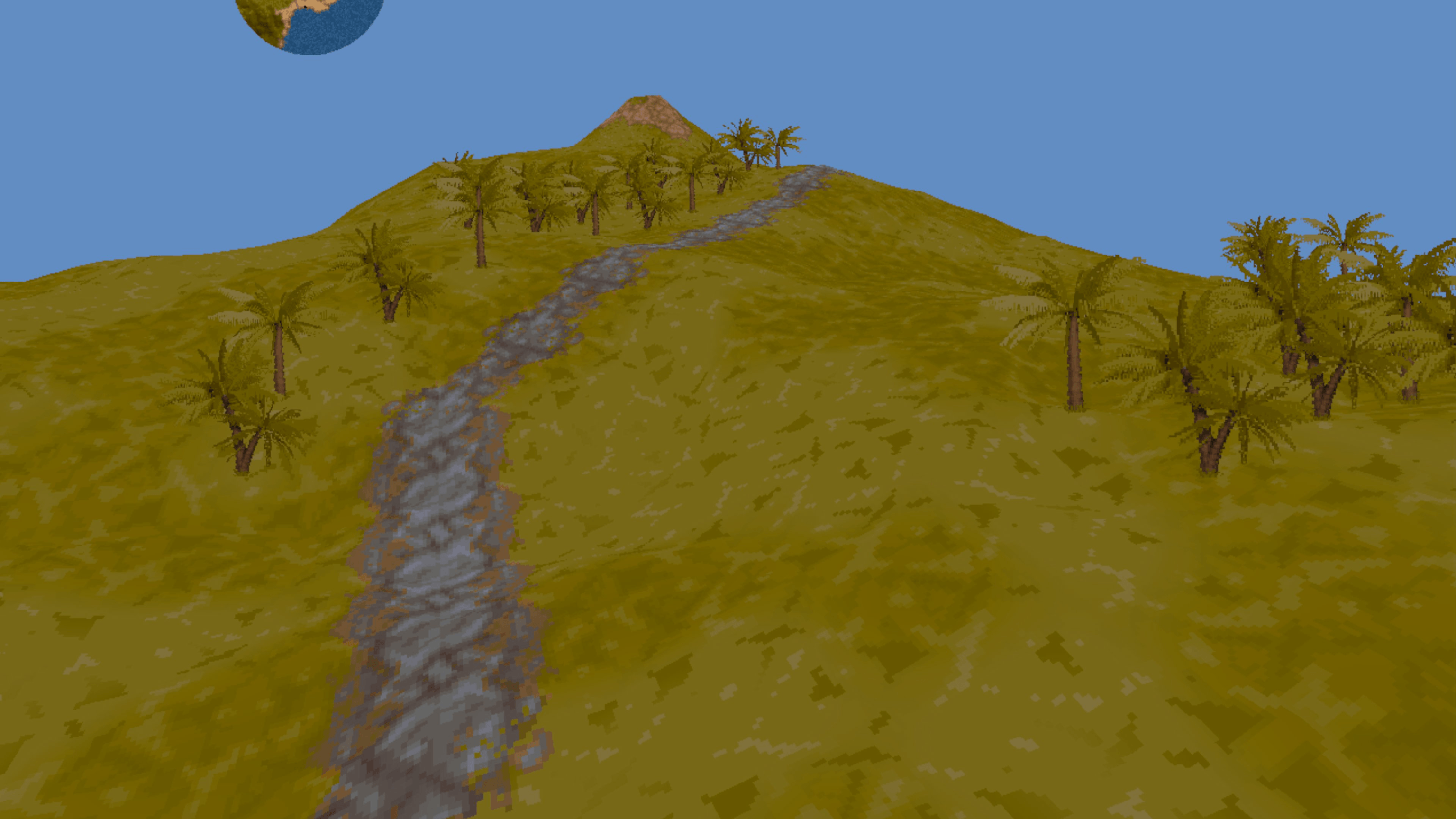
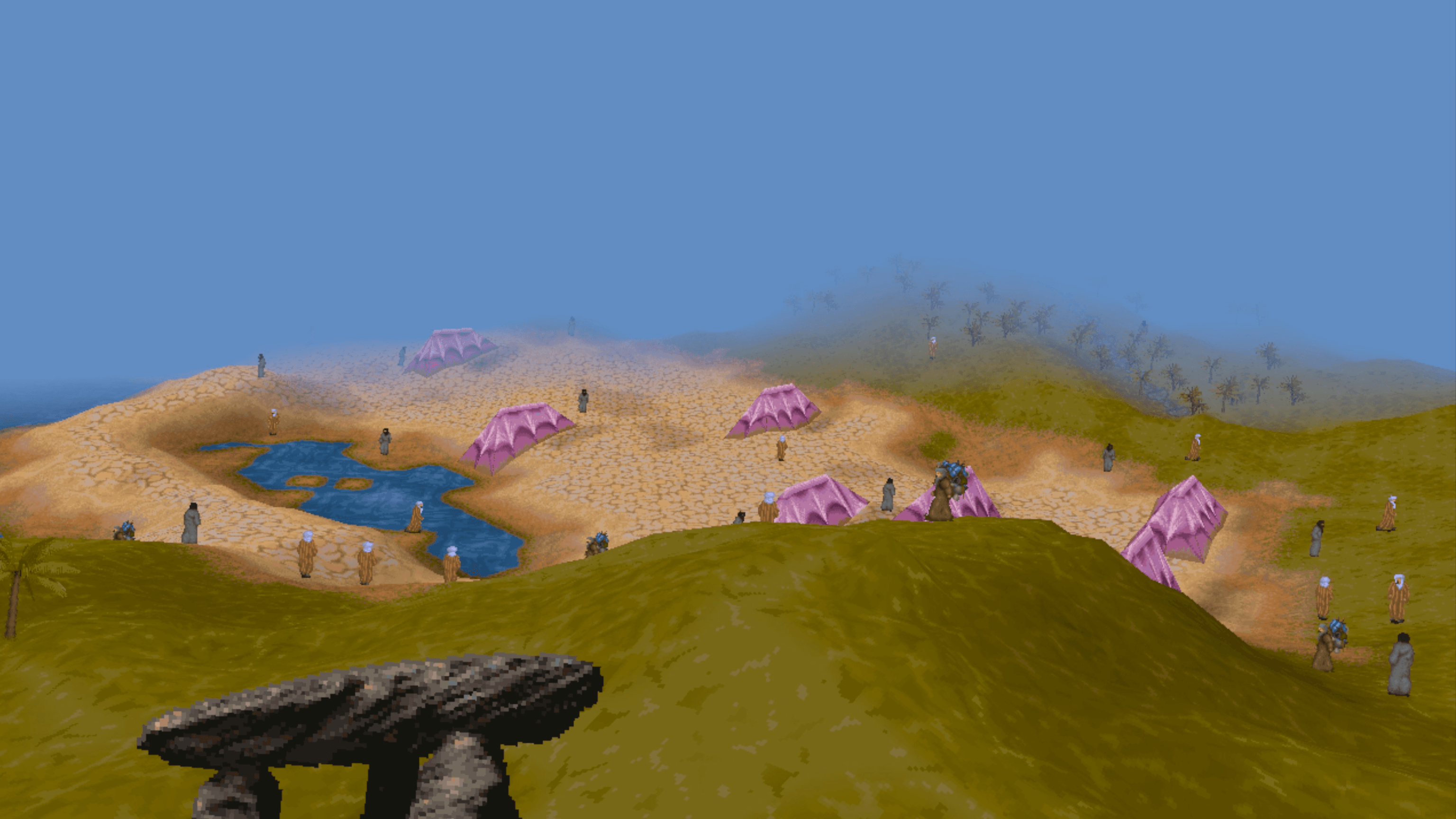
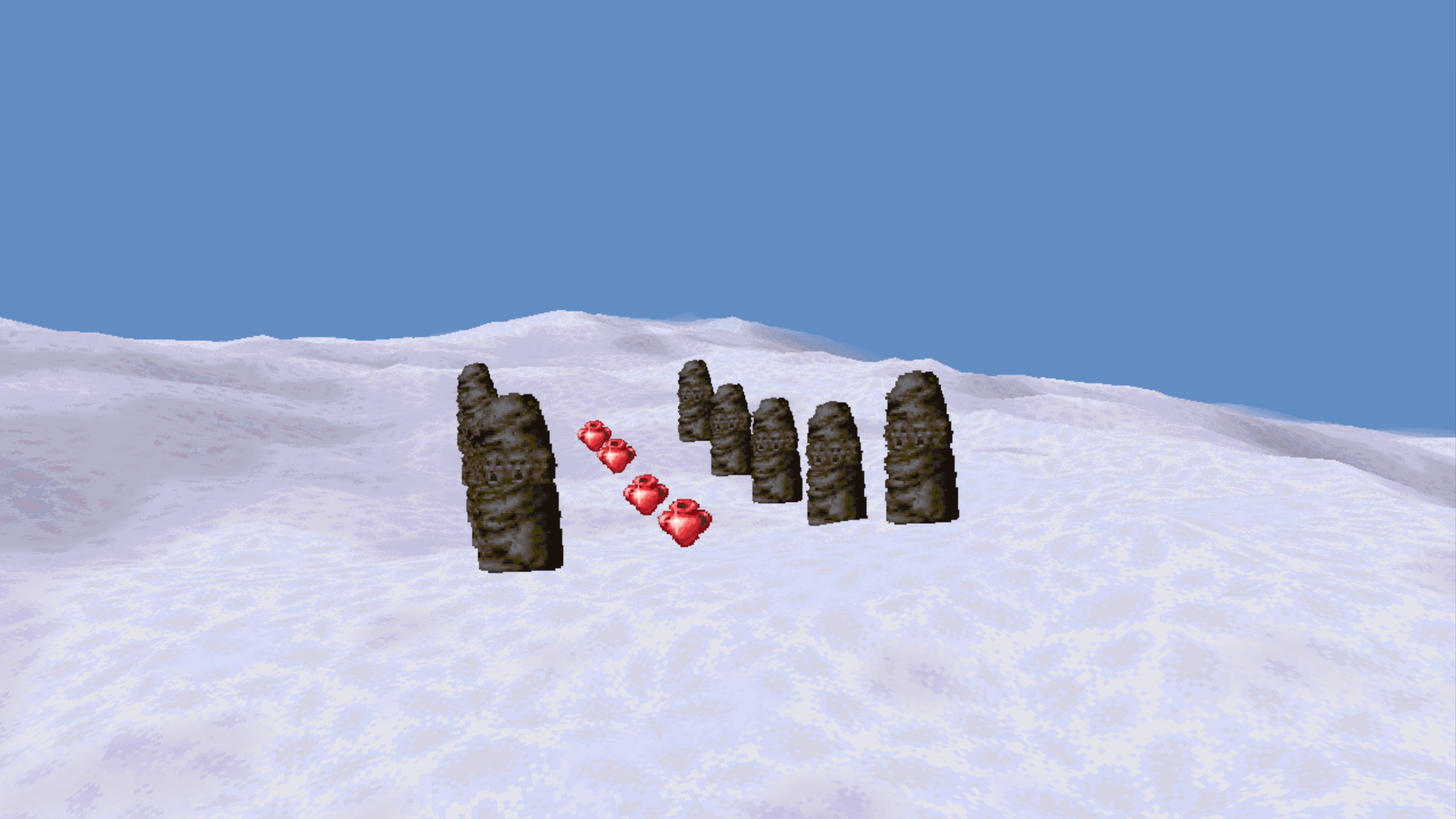
All captured on a Meta Quest 3 over adb. No post-processing beyond a crop.
Get it
This port ships no Magic Carpet assets. You need your own copies of the original games. You can purchase them from GOG at Magic Carpet and Magic Carpet 2
| Headset | Meta Quest 2 & 3. Developer mode enabled so you can sideload. |
|---|---|
| You need to own | Magic Carpet (1994), optionally Magic Carpet: Hidden Worlds (1995), and/or Magic Carpet 2 (1995). Original disc, GOG, or other full install. You can purchase them from GOG at Magic Carpet and Magic Carpet 2 |
| Space | A full install is about 1 GB for all games. |
| Controllers | Touch controllers. The carpet is steered with the thumbsticks, and every button is used. |
Use SideQuest or adb install -r mc-vr.apk with the headset plugged in.
You should install the game(s) you want and then copy the game data to a new folder called gamedata.
The layout should be like this:
              gamedata/
              -- Magic Carpet Plus/
                 -- CARPET.CD/game.gog
              -- Magic Carpet 2/
                 -- game.gog
                 -- GAME/NETHERW/
You need to run the conversion tool to convert your game data into a format the VR build can read.
mgc-import bake gamedata/ baked/Copy your Magic Carpet data to the headset.
adb push baked/ /sdcard/mgcarpet/baked/The front-end scans the game data folder and shows which games it found. Select Magic Carpet, Hidden Worlds, or Magic Carpet 2 and click "Start".
Glide, turn, strafe, and cast spells. The carpet is under your feet, and the world is all around you.
This is a hobby project. It is not a store release, it is a conversion of a game that is over 30 years old. It comes with no support line, and it can do odd things. Back up anything you care about before pointing tools at your headset.
Status
Want to help? This is a hobby project, and I welcome contributions. If you can code, test, or just want to help with the project, please reach out on @Congocart or at the repo at https://github.com/nathanaela/magic-carpet-vr.
Thanks
This port is built on the shoulders of giants. Thanks to the original Magic Carpet team at Bullfrog, and to the GOG team for keeping these games available.
Thanks to Zdenek Behan for his open source reimplementation of Magic Carpet engine that this VR port is on.
Thanks to the open source community for the many years of game play and coolness that inspired this port. Special thanks to Tomáš Veselý and his Remc2 project and Tim Hobbs and his Magic Carpet 2 HD project.
Thanks to @GhwstVR for his page design for his release of Unreal Tournament 1999 VR, which whole sale inspired the design of this page.
 Magic Carpet VR